Guild charter signatures failing?
Blizzard lists failed charter signing as a beta issue and temporarily allows charters to be handed in with zero signatures. Character friends are also disabled in this beta. Official known issues. Checked 18 September; this is Blizzard’s guidance, not a workaround we have tested ourselves.
Try the documented charter hand-in if signing is blocking you. If it still fails, record the exact error, client build and steps taken for a bug report. Do not assume repeated charter purchases will solve the problem.
Give everyone one joining plan
Before your first session, agree a meeting time, who will organise invitations and where members should leave their character names. Use a shared channel your group already checks; a new Discord server is not required.
Ask each member to confirm their current beta character rather than copying a planned launch name. Keep a separate column for people who have access but have not created a character. That prevents officers spending the evening trying to invite a name that does not exist yet.
- Character name as displayed in the client, plus faction and current level.
- Preferred role for this session and a second option if they want one.
- Available start and finish times, with a time zone.
- Joining status: waiting for access, character ready, contacted, or joined.
Keep the roster useful while the client changes
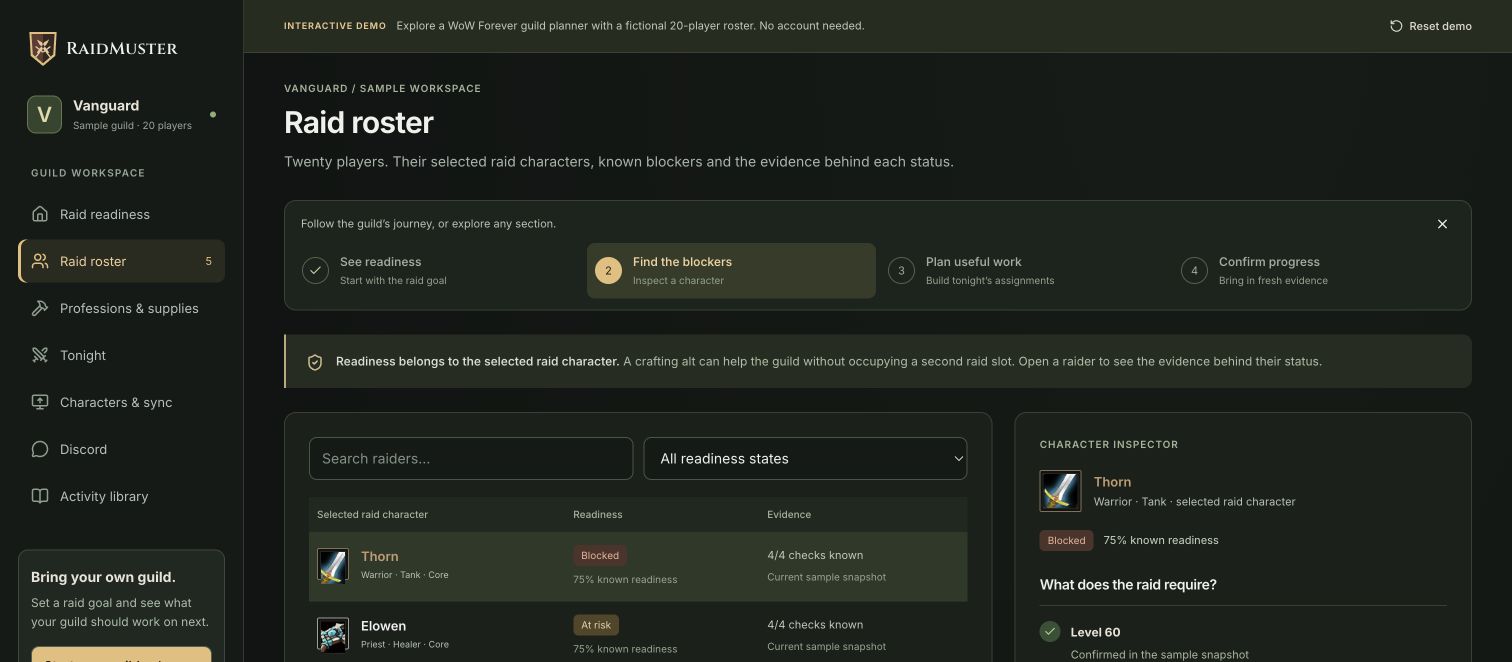
A planning roster gives your group somewhere to record intentions while you work through in-game joining problems. It cannot repair the beta client or create the in-game guild for you.
The free roster template is a quick starting point. For the shared planning workflow, see RaidMuster’s guild roster management. Keep beta experiments separate from launch commitments so players can try a different role without confusing the final roster.
A joining message you can adapt
“Our beta session starts at [time and time zone]. Send [organiser] your current character name, level and preferred role. We will meet at [place]. If joining fails, send the exact message you see and we will keep your place on the planning roster.”
After the session, check whether each member joined successfully and record any unresolved problem once. Give that follow-up an owner instead of asking every member to repeat the same troubleshooting.
Keep the beta known-issues guide open when interpreting failures. A beta limitation should not become a permanent rule in your launch onboarding instructions.