More quest coverage, with limits worth understanding
Recent Everything Quests releases add quest records and the option to keep Blizzard's tracker. These community tools have not been tested by RaidMuster.
Everything Quests v1.53.0, uploaded on 30 September with a 29 September changelog, expanded its Forever database from 36 to 312 new-to-Forever quests. Most came from AllTheThings data; 309 have pickup markers and browser entries. These numbers describe addon coverage, not quests Blizzard added that day.
Keep Blizzard's tracker if you prefer it
Version 1.54.0, uploaded on 1 October with a 30 September changelog, adds a General → Tracker checkbox to use Blizzard's tracker. It requires EQ Objective Tracker 1.28.0 and reloads the UI when switched. Everything Quests' map markers, tooltips and nameplate icons remain; open its settings with /eqs or the minimap button.
Try the change before your group starts. Keeping familiar controls may be preferable to learning a new layout during a short evening session. Choose the interface that helps you read your next objective reliably.
Why a quest marker can appear before you qualify
Version 1.53.0 records level requirements for 275 marked quests, race restrictions for 192 and prerequisites for 152. Some entries remain incomplete. Skyborne-only restrictions are not fully represented, so other characters may see those markers. Moving quest givers can produce duplicate locations; the Dwarf Call of Earth marker can incorrectly point to Durotar or Mulgore.
If a marker has no matching offer, compare your character and current quest step before retracing the route. Keep the lead unconfirmed until someone can reproduce the pickup; an empty location does not establish removal.
How Forever Quest Tint flags unfamiliar quests
Forever Quest Tint, by xanastar, colours quest text when its ID is absent from the addon's Classic list. Missing Classic IDs can therefore create false positives. Use /fqt for options or /fqt id to inspect an open quest's classification. Version 0.5.0, dated 27 September, also offers quest-log and objective-tracker markers.
Use the cue to decide which dialogue deserves a closer read. If your aim is discovering unfamiliar stories, agree whether the group wants route spoilers before circulating a full walkthrough. Members can share a meeting point while leaving the story itself for everyone to experience.
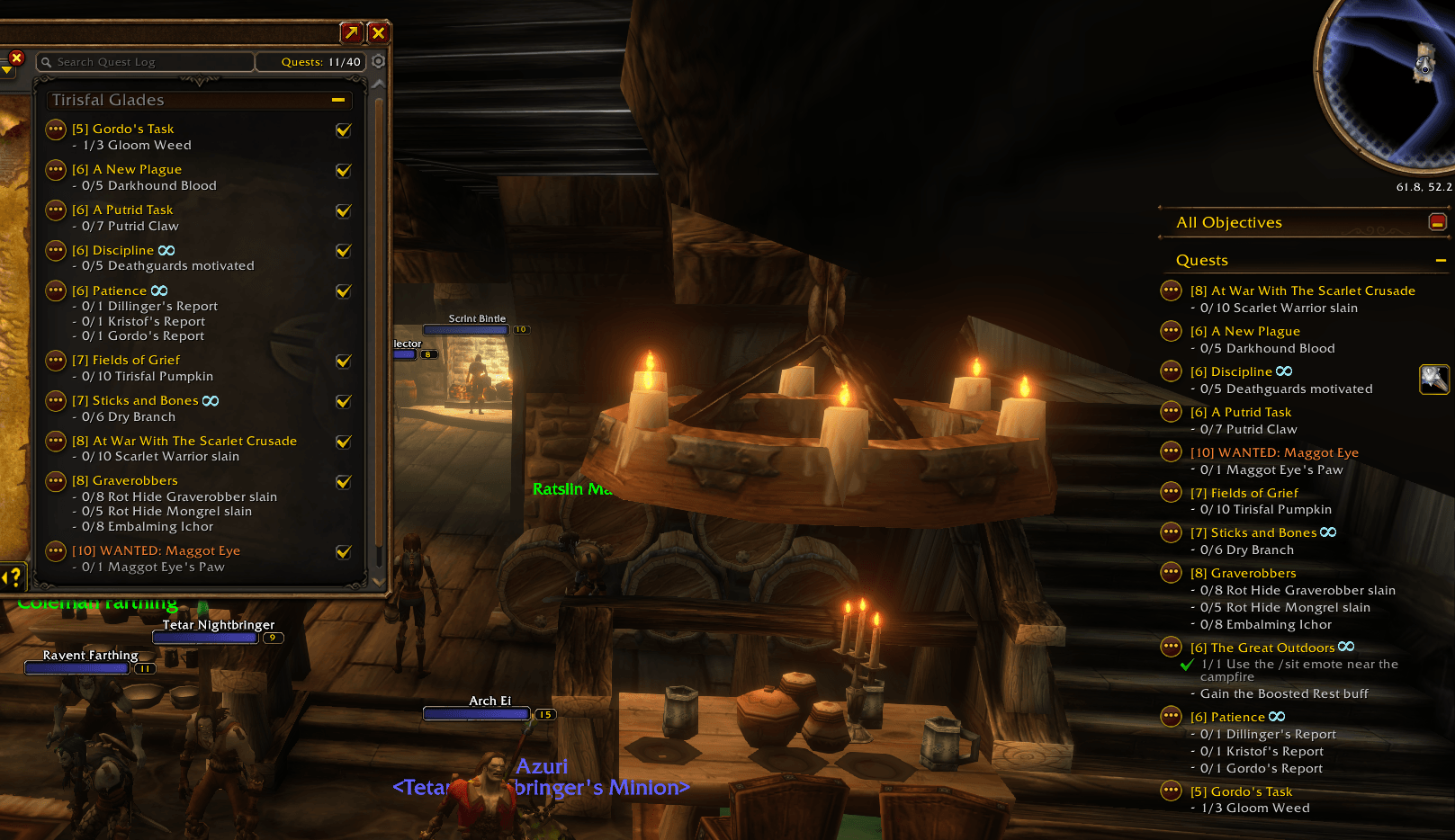
Look up the quest, then compare your actual logs
The Everything Quests author documentation, checked on 1 October, documents /eqs quests for searching by name or ID. The author lists Forever's Quest Browser, map and minimap markers, and group progress on markers among tested features. Auto-accept, quest links and other group features remain untested there. The Chain Guide, World Quests panel and Quest History are not included on Forever.
Ask each member to read out their accepted quest and next objective. If their steps differ, agree on catch-up time or another shared objective. This check works without addons too.
Turn a discovery into a manageable guild session
Our suggested approach is to choose one confirmed starting quest, one meeting point and a finish time. Keep an alternative nearby activity available if access differs. Members can then judge whether their characters and available time fit.
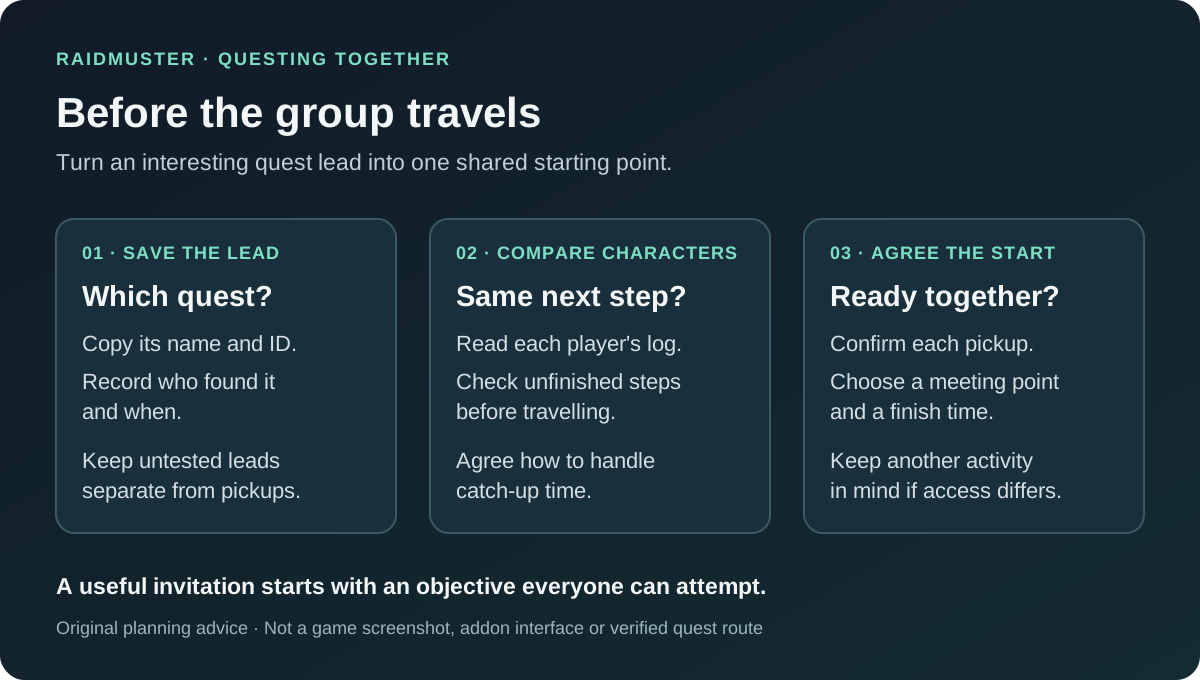
- Before departure: ask everyone to confirm their own pickup and any unfinished earlier step.
- During the run: pause before moving on and check who still needs the objective; one player's completion is not a group headcount.
- Afterwards: record the next meeting objective and who needs catch-up time, rather than copying a long quest database into officer notes.
Keep discoveries useful for the next group
For a questionable marker, save the quest ID, addon version, client build, race, class, location and what the NPC offered. A dialogue screenshot is more useful than an unexplained map pin. Separate confirmed pickups from suggestions when passing the route to another party.
Use your guild roster plan for attendance and intended roles, and record quest research manually in your session notes. Our guild organisation guide helps turn optional exploration into a clear invitation.