How to enable the Cooldown Manager
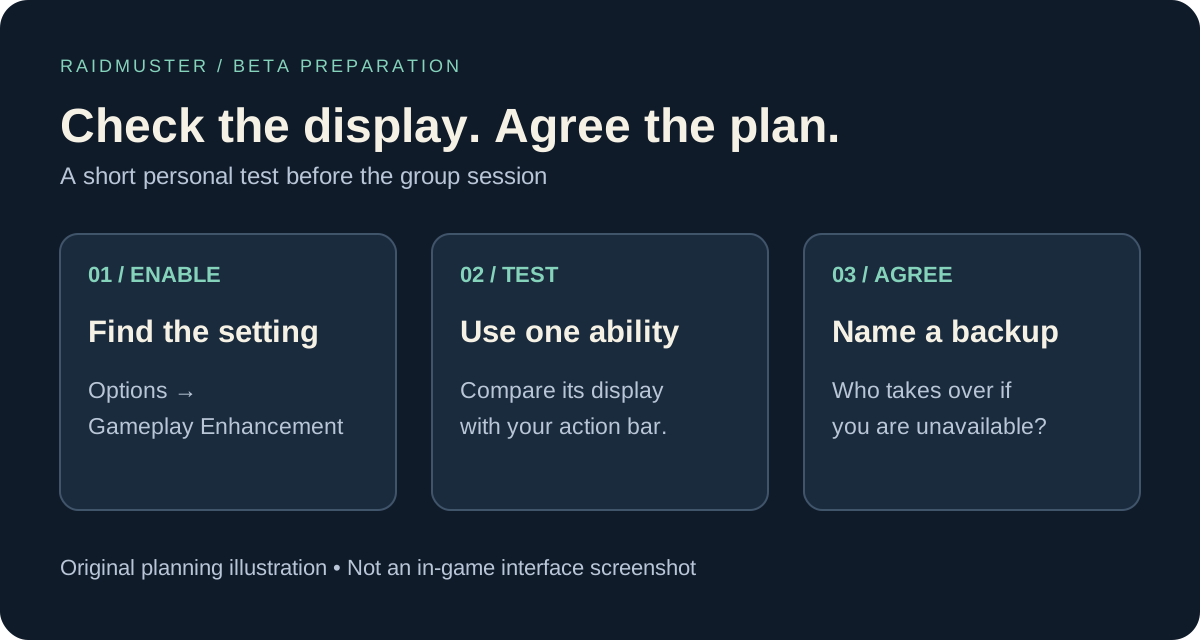
In Blizzard’s 24 September beta development notes, the Cooldown Manager is off initially. Enable it under Options → Gameplay Enhancement. It brings important buff and action-bar information into a movable display. Druid, Mage, Priest, Warrior and Warlock are available for testing; other classes are planned. Spell ranks are not supported yet. This guide was checked on 28 September.
For a guild preparing dungeon evenings or a future WoW Forever raid roster, the useful question is whether each player can reliably see the ability they agreed to use. Treat the first session as a setup check. A tidy screen is helpful only if its information matches what the character can actually do.
Known tracking gaps in the September 24 build
The same official notes list these limitations. Check your current client before assuming a listed issue persists or has been fixed.
| Area | Reported limitation |
|---|---|
| Banes and Curses | Tracking can fail after dropping and reacquiring the target. |
| Healthstone, Arcane Blast, pet cooldowns | Cannot be tracked. |
| Mana Gem | Tracking begins only after another spell is cast. |
| Priest | All spells are tracked by default. |
| Item enhancements | Windfury and rogue poisons cannot be tracked. |
Run a short setup check before inviting the group
Pick one learned ability you expect to use during the evening. Read its tooltip, note the rank and put the normal action-bar button where you can compare it with the new display. Use a safe practice situation and check what appears when the ability is available, immediately after use and when it becomes ready again.
Next, reproduce the situation in which you need the information: selecting another target, returning to the original target or changing your usual view. Keep the test small enough to explain. If you change several settings and abilities together, it becomes harder to identify which step caused a mismatch.
When something fails, retain a familiar way to check that ability for the session. A display problem is not evidence that the spell itself has disappeared or that a guildmate ignored an assignment. Confirm the character’s ability state before changing the group plan.
Connect personal cooldown checks to your raid plan
A guild cooldown plan needs people as well as icons. Record an owner, the intended trigger and a backup for each agreed responsibility. Start with the few actions that matter to your planned activity; avoid filling a spreadsheet with every button on every character.
For example, write ‘Alex handles the first agreed call; Morgan is the backup if Alex reports unavailable’. Replace the names and action with abilities your actual characters have learned and tested. Agree how an unavailable player should communicate it before the pull, rather than expecting an officer to infer readiness from somebody else’s screen.
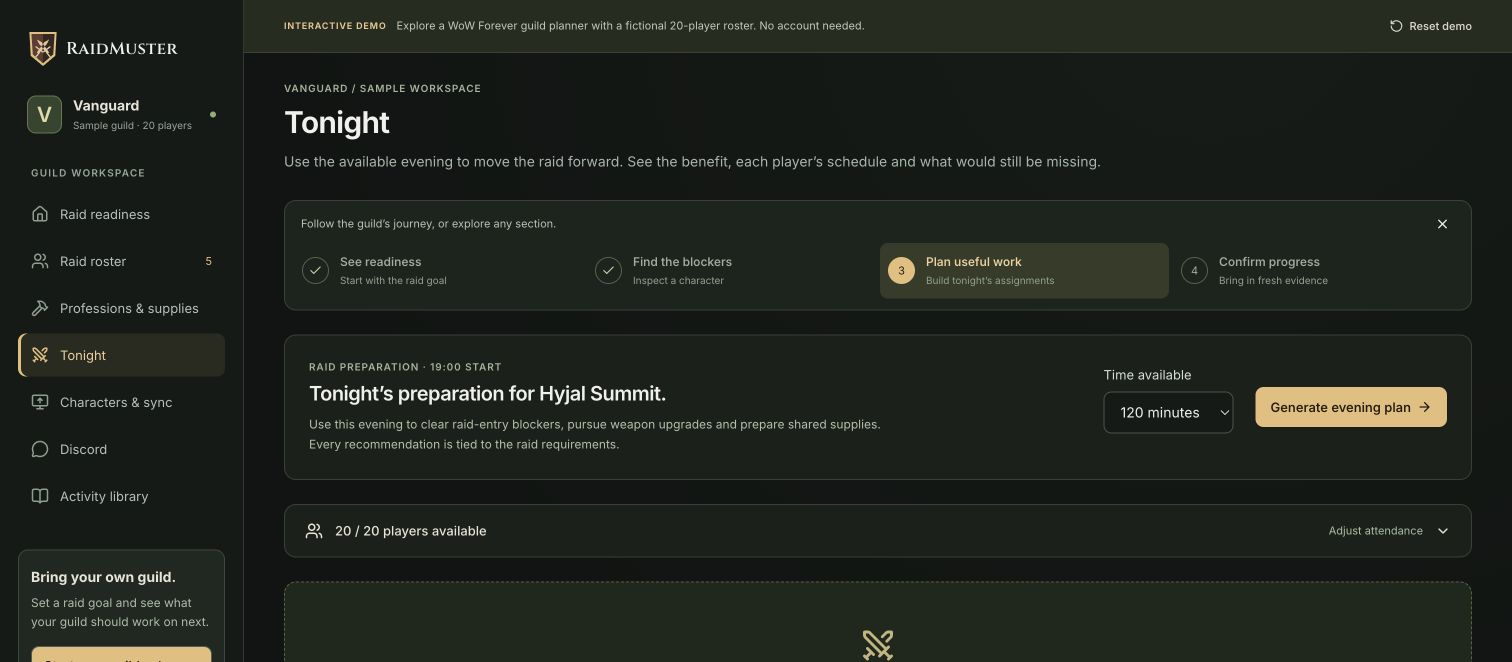
Use your guild roster to confirm the attending characters, then keep these assignments with your raid preparation notes. RaidMuster helps organise the group; it does not read the Cooldown Manager or synchronise live spell timers.
Make beta feedback specific enough to reproduce
A useful report names the build, class, spell and rank, then describes the shortest sequence that produces the problem. Add what you expected, what appeared instead and whether the ordinary action-bar button behaved differently. A screenshot should include the relevant display and tooltip without exposing private chat.
Blizzard specifically asks which spells players want tracked by default. Add the activity and decision that make the missing information useful, rather than sending only a long spell list. Keep a dated note of your workaround so the group can remove it once a later build resolves the problem.